About Us
Digiwise specialises in Microsoft Excel spreadsheet solutions that enable organisations to gain in-depth understanding their business, create effective plans and streamline their processes.
Digiwise is an established leader in providing Microsoft Excel Solutions to Australian businesses. Digiwise was formed by Clancy Malcolm in 2008. With over 20 years of IT experience, Clancy isn’t new to the industry. Clancy has developed software for numerous high profile clients including Hitachi, Disney, RMIT University and government departments such as Australian Department of Defence and Victoria's Department of Environment, Land, Water and Planning. Clancy has also lectured in software development for a Swinburne University's Masters Degree and produced numerous conference papers.
Digiwise is based in Melbourne and delivers Microsoft Excel solutions across Australia. We offer face-to-face service in Melbourne, Sydney and Canberra. We service businesses in the private, not-for-profit and government sectors.
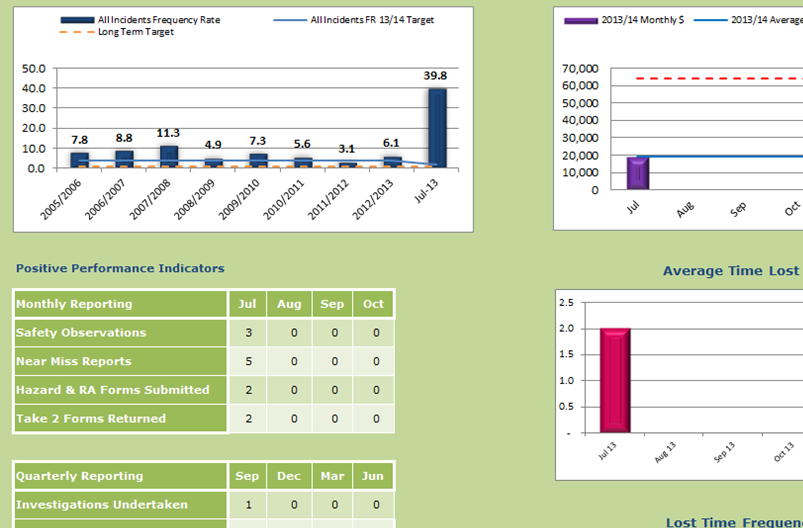
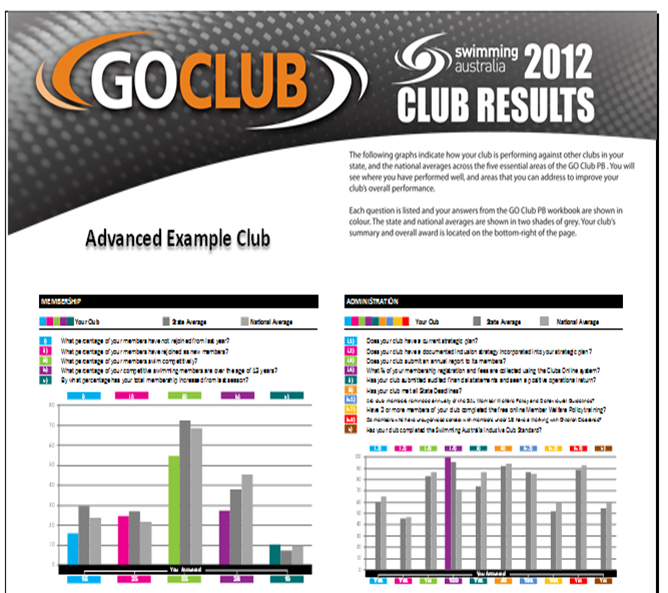
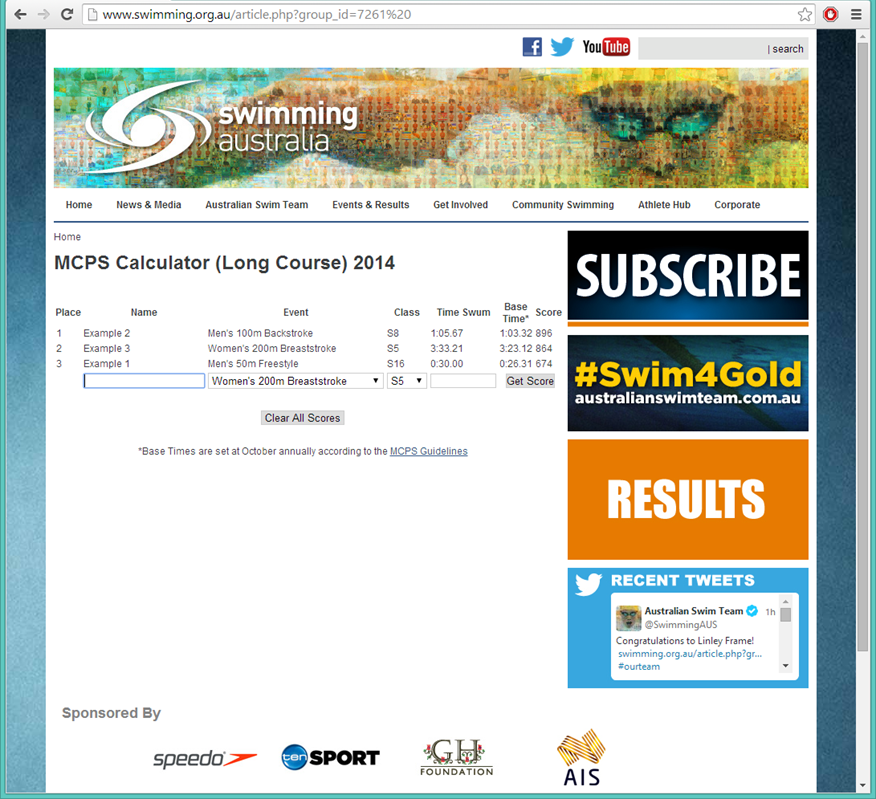
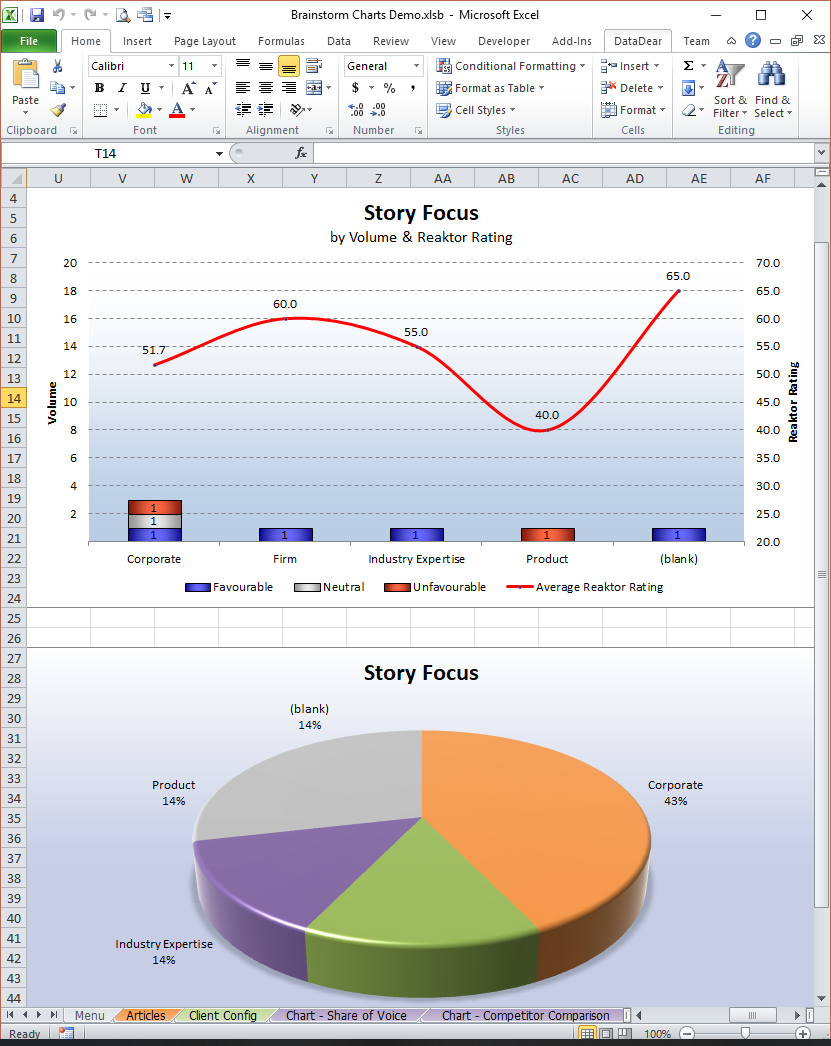
Our passion is helping our clients understand their business and plan for their future. Do you want a business dashboard that provides key performance indicators on demand? Perhaps you would like reports on financial performance, productivity, sales, debtors or creditors automatically emailed to you on a daily, weekly or monthly basis. Maybe you need a detailed but easy to use budgeting model, sales forecasting tool or pricing calculator. As Australia’s Microsoft Excel Specialist, Digiwise can provide solutions in any of these areas and more.